
Joe M. Guest Blogger and IT security professional
Your old passwords most likely have been exposed by security breaches by hackers
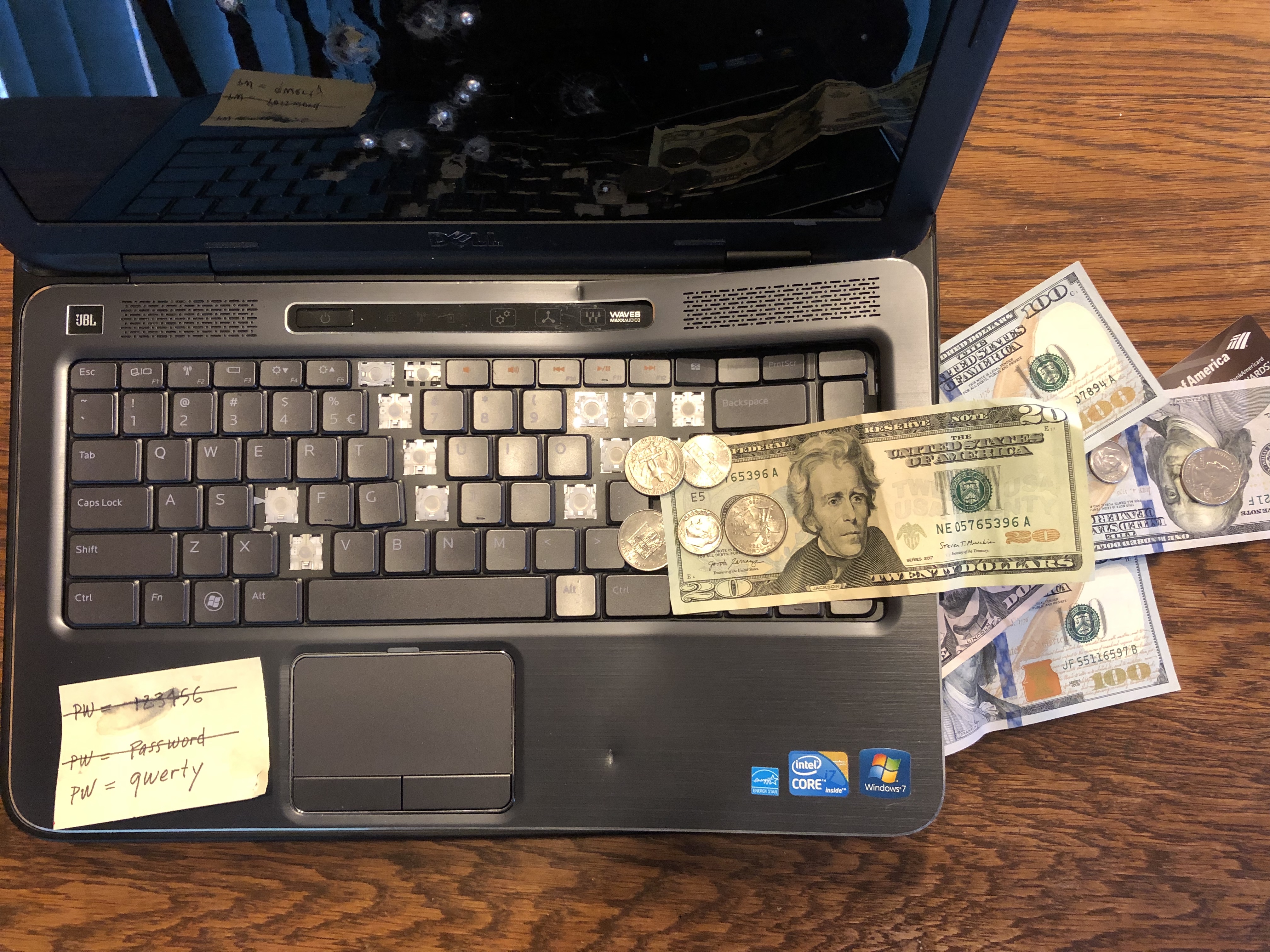
Do you re-use the same old password that has worked great in the past? Are you someone who adds a number to the end of old passwords or increases that number by one when it comes time for a mandatory password change?
Passwords can seem like a hassle. You have to make the password such that someone won’t guess it and yet you can still remember it. To add to the problem, every single website these days has a different login. Who can realistically remember 20 different passwords for 20 different websites and services? The answer is no one can, unless they use the same or very similar passwords. That method of simplifying passwords is unfortunately NOT enough to keep your information secure.
Security Breaches at Large Companies…many large organizations have had security breaches…
The reason for not using your old password or using a slight modification of your old password is due to the many security breaches inflicted on large organizations over the years. By large organizations, I mean companies like Myspace, LinkedIn, MyFitnessPal, Bell (Canada), Comcast, Domino’s, Experian, Forbes and many more. (https://haveibeenpwned.com/PwnedWebsites) All of those companies have had security breaches in the past where account username and password information was stolen.
Think about all of the services and organizations that you have created accounts with in the past. When you sign up with a company, you are trusting them to keep your account information safe. Such information can be usernames, passwords, email addresses, even items such as Social Security numbers. If you create a username and password to log into your bank for instance, you are trusting that bank. You trust that bank first and foremost with your money, but you also trust them with your personal and account information. That is exactly how you should think about a username and especially a password. All of the passwords you use are entrusted to other companies. You trust that they will keep your password safe and therefore keep your account safe.
There are many trustworthy companies in this world, but many large organizations have had security breaches with usernames, emails, and passwords stolen. Take a moment to browse the list of companies that have had security breaches in the past: https://haveibeenpwned.com/PwnedWebsites
After taking some time to review the list of companies, ask yourself “Have I created an account with any of these companies?” Statistically, based on the number of companies that have had incidents, and the amount of data stolen, the answer is yes, nearly everyone has had an account’s data inadvertently stolen.
Find Out if You Have Been Hacked …search for your email address…
One quick way to determine whether or not your account information has been stolen from a company is by doing a search for your email address here: https://haveibeenpwned.com/
This site will show you whether or not your data has been stolen in one of the large data breaches listed above. It will also go into detail about the specifics of which company/organization had the security incident that affects you.
As of the time of this writing, this site (https://haveibeenpwned.com/Passwords)reports roughly “551,509,767” unique passwords have been exposed through data breaches. Now, looking at that number you might think five hundred and fifty-one million passwords is a lot of passwords. You happen to be just one person, what are the odds that your single password and username would ever be found, let alone used? The truth is, this is far more common than one might think.
The reason this scenario is more common has to do with the power and price of modern day computers. Over time the computing power associated with the common computer has risen dramatically. At the same time the price of this more powerful computer has greatly decreased. Because of this we now have extremely powerful and affordable computers that can be bought easily by anyone.
With the modern-day computer, hackers can try hundreds of thousands if not millions of passwords in minutes in an effort to crack your password for a site sign on. Let’s say we can try one million passwords in a minute. That means it would take roughly 551 minutes or nine hours to go through the entire list. For a determined attacker, or a teenager with time on their hands, nine hours is not a long time. To further add to the problem, all software needed to go through such a long list is free and available on line to anyone who wants it. Additionally, obtaining the list of passwords exposed through data breaches can also be done, just with a bit more difficulty.
To summarize, that old password, associated email address, and username you use for every single website or service that you have signed up for over the years has likely been exposed and compromised. That password at this point is not secret and should not be used. Using the same password, email, and/or username for another site puts any information on that site at risk. It is trivial to try millions of username and password combinations to sites. All it takes is for someone to get lucky with your username and password. Once that happens an attacker might try that username and password for other services that you might have signed up for.

Create Strong Passwords …create unique passwords that are as random as possible…
There is a greater risk now more than ever with re-using passwords. Fortunately, there are ways to minimize the risk. The primary way to mitigate risk is to create unique passwords that are as random as possible for every single website or service that is used. Random, unique passwords are much harder to be cracked by computer programs designed to do so. They are certainly much harder to be determined than common words, such as ‘password’ or ‘secret.’ Creating and keeping track of these random unique passwords might sound like a daunting task but there are ways to make this more manageable.
Managing Passwords …the passwords are only as secure as the notebook…
The first method, which does not involve utilizing special computer programs, is to simply write down your new, unique passwords in a notebook. Writing down your passwords ensures that you can always look them up. Really great passwords should be as random as possible. They should consist of lower case and capital letters, numbers, and symbols. Random passwords unfortunately are not memorable and must be recorded so they can be used later. When keeping all your passwords in a notebook, the passwords are only as secure as the notebook and (as we have learned) only as secure as the organizations that you have entrusted with those passwords. If you are suspicious of technology, and trust the security of your own personal notebook, this option is for you.
Use of Password Managers …secure programs used to store all of your passwords…
The second method involves using something called a password manager. A password manager is a secure program used to store all of your passwords. Using a single password, one has access to the program’s password manager account that stores all passwords that have been entered into the account. The user can navigate through the password manager to quickly find usernames and passwords used for particular websites. In many cases there are password manager extension that can be used for various browsers that will detect that a website is being used and attempt to auto-fill the username and password fields. Assuming the right credentials are in place, all the user has to do is click the login button. These password manager programs really do make storing and using passwords extremely easy.
The downside of a password manager is that an individual is entrusting not just one set of credentials but all of their credentials with a single company. And with the previous section of this article, we found out that not all companies uphold the highest security practices. The risk associated with this method is much higher, and more risk is entrusted with the company that is storing your password data.
If you are suspicious of companies and don’t want to trust a single entity with all of your passwords, using a password manager might not be for you. It is however a very convenient way to have large, semi-random, unique passwords for every single service or website used. It also makes logging into those services and websites easy.
As with all services, there are several companies offering a password manager solution. The pros and cons of those companies should be weighed and their products compared. For more details on password manager products you can review the links provided here: http://lmgtfy.com/?q=password+managers
Your old passwords most likely have been exposed by security breaches by hackers, and through the use of today’s more powerful computers, your information that is secured by old passwords can be exposed. The solution is to create large, semi-random, and unique passwords. There are several methods for keeping track of passwords, and the two discussed here can work if used correctly: writing your passwords in a notebook or using a program called a password manager. Both options have their risks and downsides associated with them. There is no single correct solution for everyone. People will need to find a method or combination of methods that works best for them.
Among other protection that can be used with unique passwords is something called Two-Factor Authentication. I will provide more information on that and other methods in upcoming posts.
 Next Life Retired